


Configurations settings can be found in different places depending on whether the feature is totally custom, or it's based on Garmin's pre-existing functionality
WATCH SETTINGS: These settings can be found directly on your watch (press and hold the right button and choose Settings)
DEVICE / USER SETTINGS: These settings can be found in the Garmin Connect mobile app. Select your device and choose Device or User Settings.
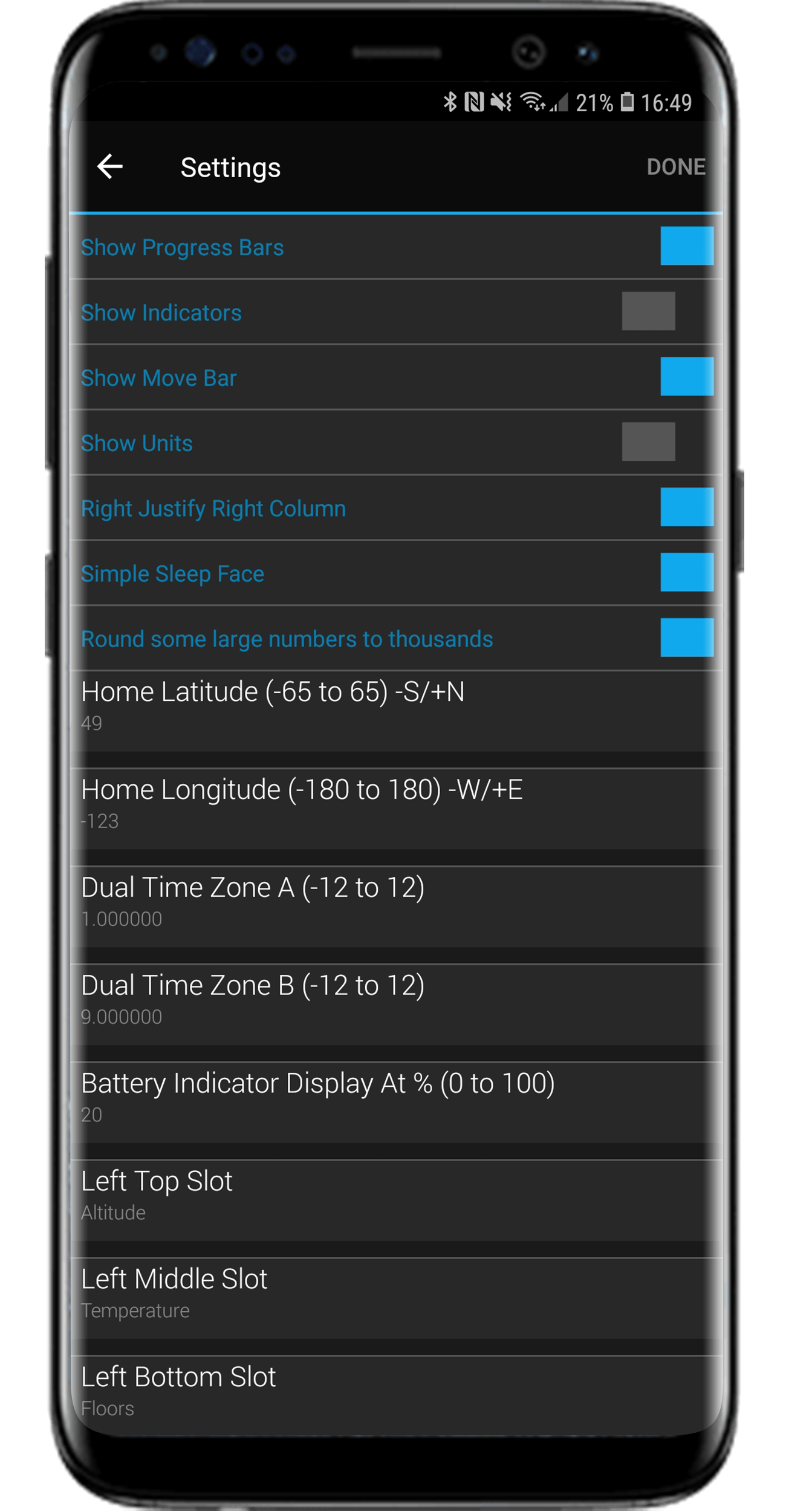
ROYAL SETTINGS: For the Royal settings, select your device in the Connect mobile app, and then App Management -> type of app -> Royal ... -> Settings
Click on each configuration to find out what it controls and where it can be found
Click on one of the Configuration Elements above to see more info on it.